
Read fast and focused.
Codolo pairs narration with a focused word display, so you stop re-reading the same line and stop drifting halfway down the page. Photo, PDF, or any file, whatever you’ve got. Just start reading.


Coming soon to the App Store.
Codolo is a mobile reading app that reads your text aloud while showing it in a focused, adjustable-speed display, built to reduce re-reading and keep your attention on the page.
How it works
Start reading
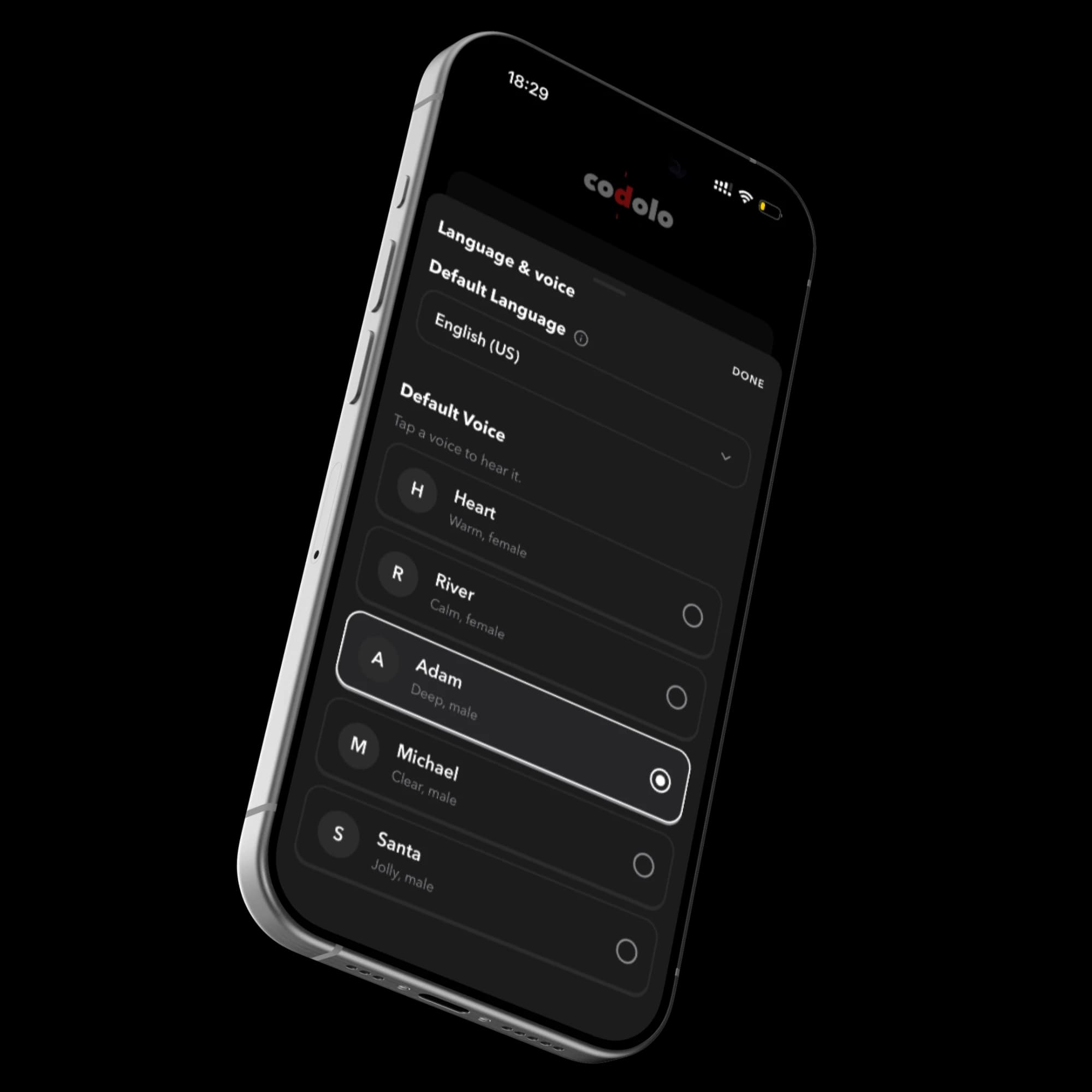
Add anything: a photo, a scan, a PDF, or pasted text. Pick the voice you like, and you’re reading.
Read and listen together
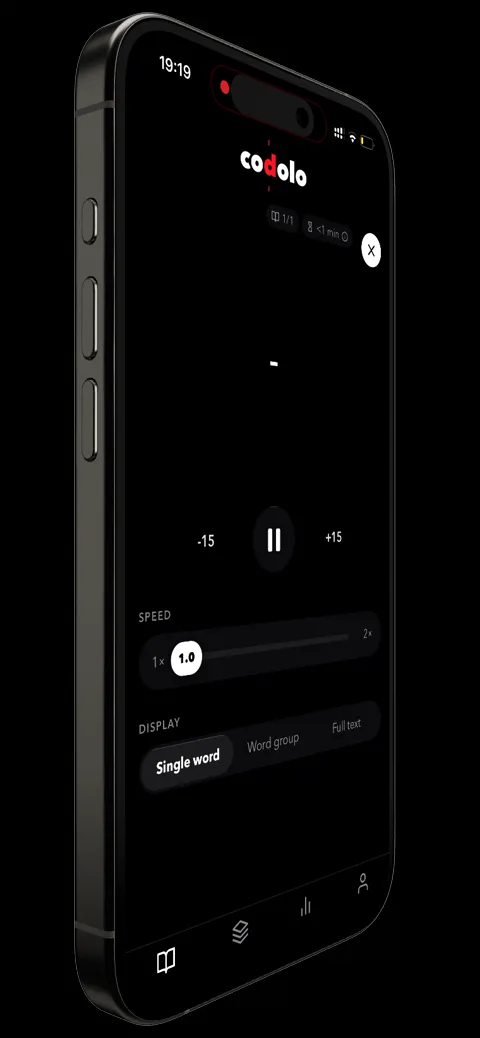
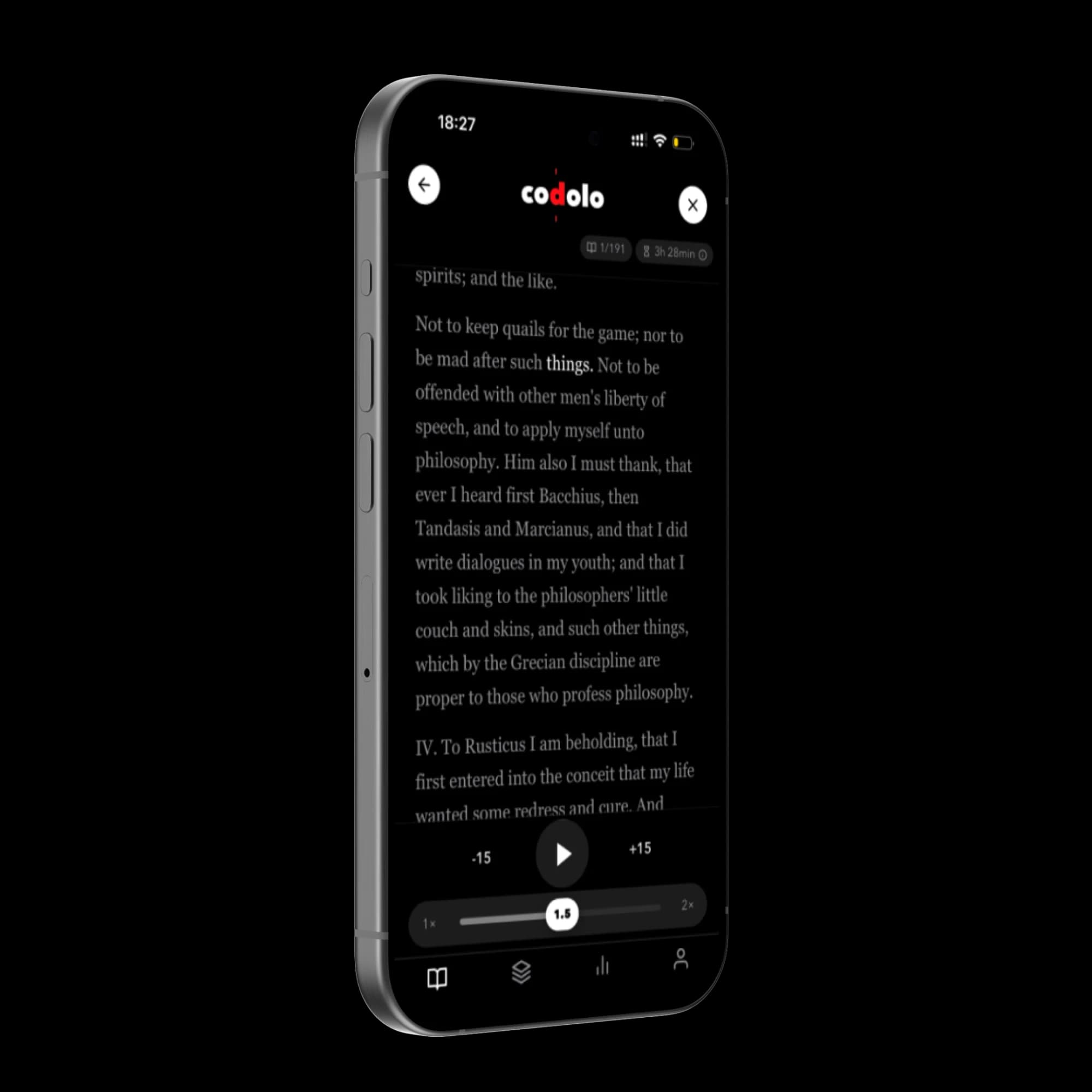
Narration and a focused on-screen display run in sync, at a pace you set.
Actually finish it
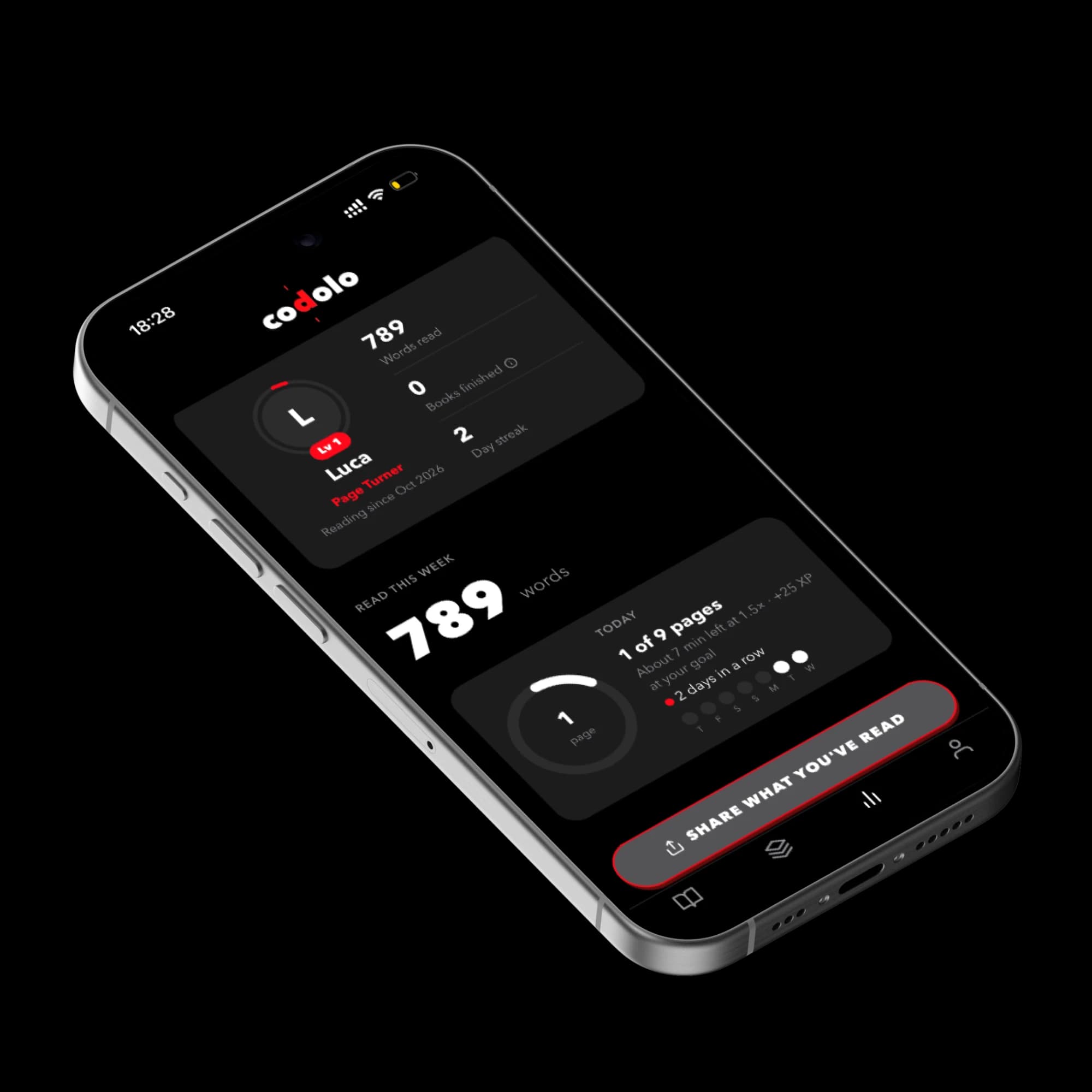
Set a daily goal in pages, keep your streak going, and watch your progress add up. Codolo also remembers your place, so every session picks up where you left off.
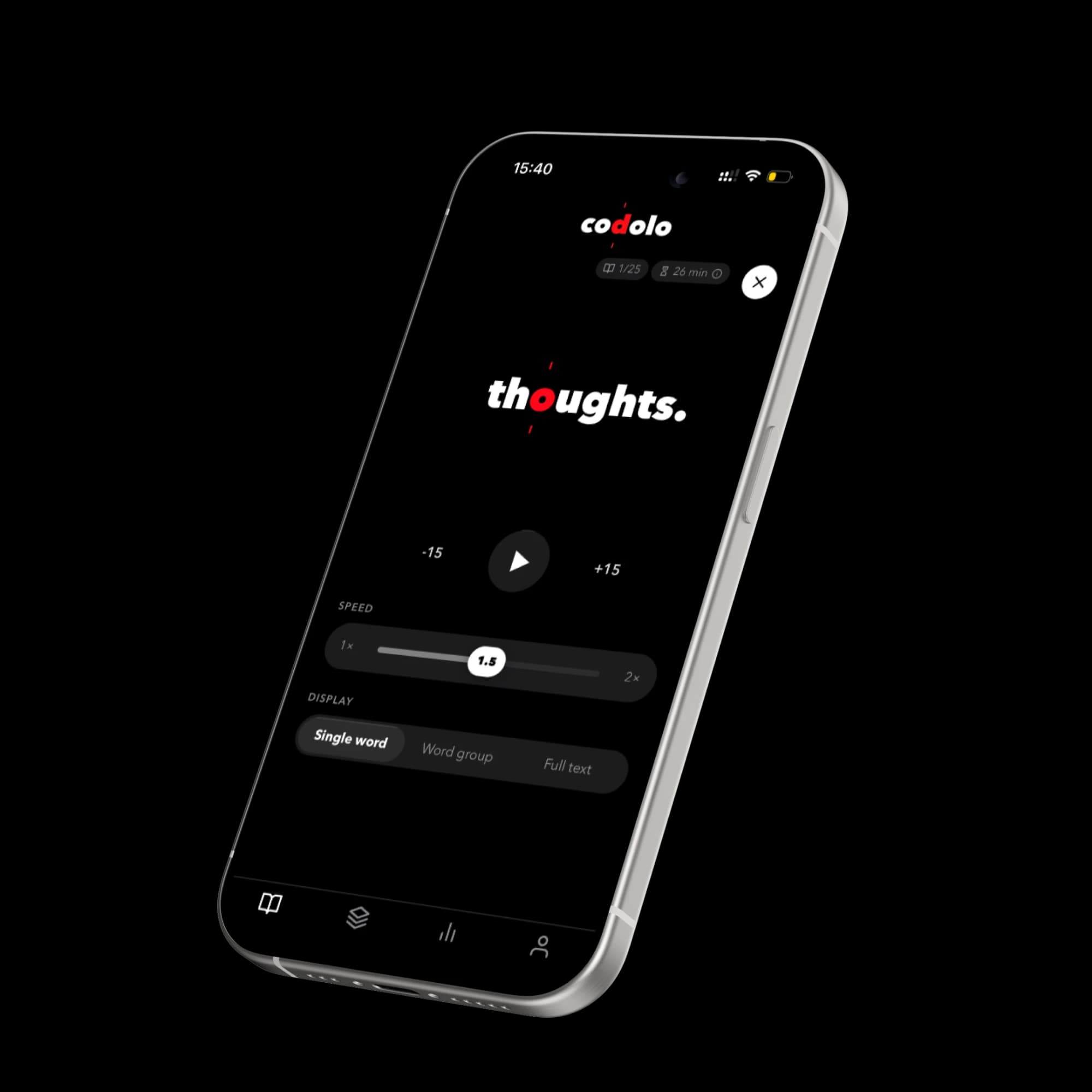
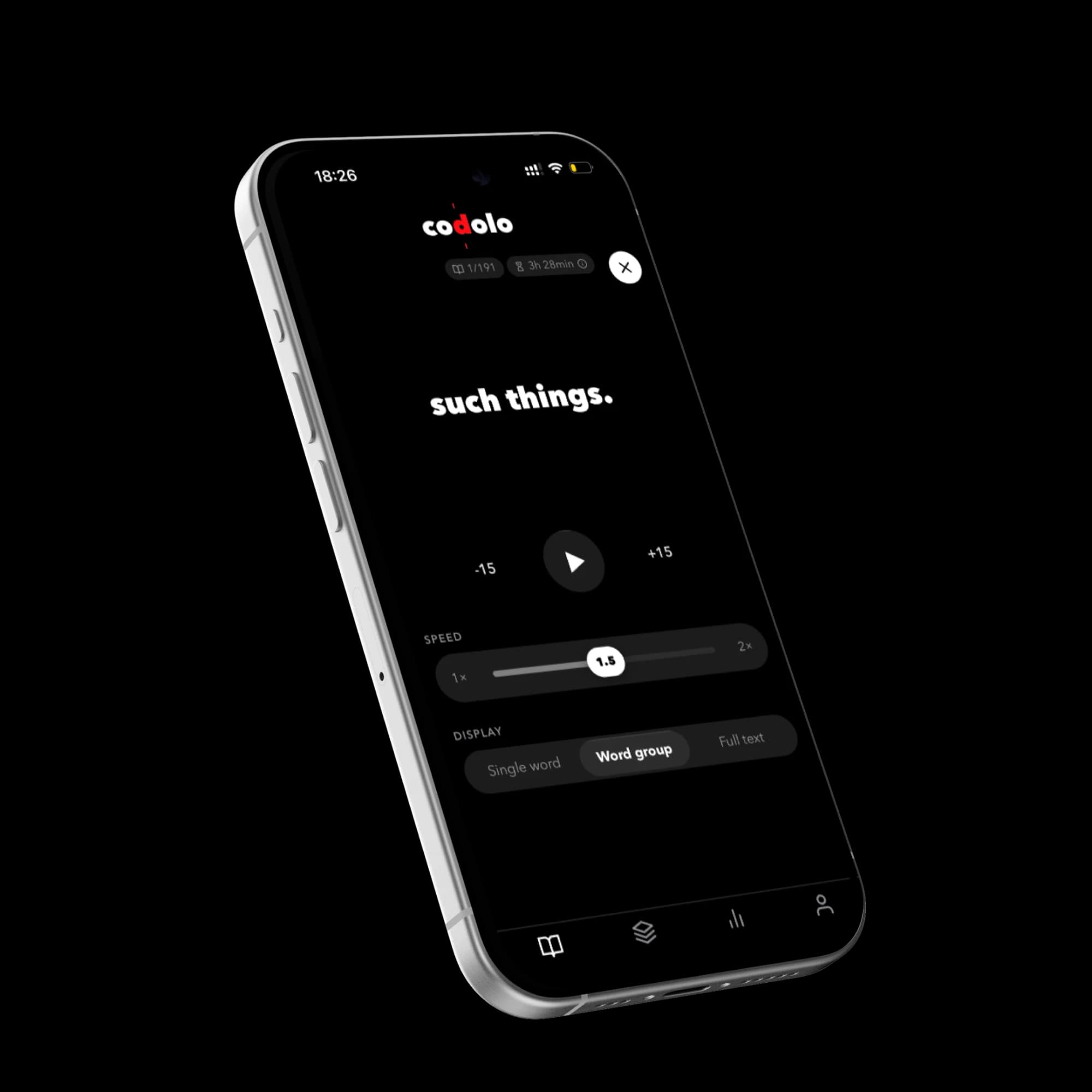
Three ways to read
Switch anytime while you read. The voice keeps going.
Backed by reading science
Reading and listening at once, at a fixed focus point, is a studied way to take in text faster. See how it works, and what it can’t do.
Read the science →Frequently asked questions
What can I read in Codolo?+
Anything. Photos, scans, PDFs, or pasted text, any format works. Codolo turns it into something you can read or listen to right away.
Do I have to choose between listening and speed-reading?+
No. Narration and the focus-letter display run together by default. You can switch how the text is shown (word by word, grouped, or full page) without turning the audio off.
What is the red focus letter?+
It marks each word’s optimal recognition point (ORP), the spot your eyes naturally want to land on. It’s meant to keep your eyes still and your place locked in. See the Science page for details.
Is Codolo free?+
You can try Codolo free for 7 days with the monthly or yearly plan. After that, Codolo is a subscription: weekly, monthly, or yearly. You can cancel anytime in your App Store or Google Play settings, and we email you a reminder the day before your trial ends.
What languages does Codolo support?+
Codolo narrates English (US and UK), Spanish, French, Italian, Portuguese (Brazil), and Hindi, each with a choice of voices. German is also available, but as a beta: it runs on a smaller community voice model rather than Codolo’s core engine, so it sounds a bit less natural than the other languages (this improves noticeably at 1.5x/2x speed). More languages are planned.
Can I read Kindle or Apple Books titles?+
Not directly. Books bought in those stores are copy-protected, so no other app can open them. What works: e-books without copy protection (EPUB or PDF), any PDF or document you have, photos of printed pages, and the classics in Codolo’s built-in library.
Is there a desktop or browser version?+
Not yet. A desktop app and browser extension are in development. Join the waitlist to be notified when they launch.
Codolo on desktop is coming
We’re building a desktop app and a browser extension so you can read this way anywhere you read. Join the waitlist to hear when they’re ready.
Join the waitlist →Become more knowledgeable in less time.
Download Codolo and start reading in under a minute.
Coming soon to the App Store.